
Choose what your API keys can do
Capabilities are the allow-list on your keys. If an endpoint returns 403 API_NOT_ALLOWED, this is the page that fixes it — and the page to visit first if you would rather your keys could not do things you never use.
Open Capabilities in the Account section of the sidebar. The page does two things: it asks what you are building, and it lets you tune the individual permissions underneath that answer.
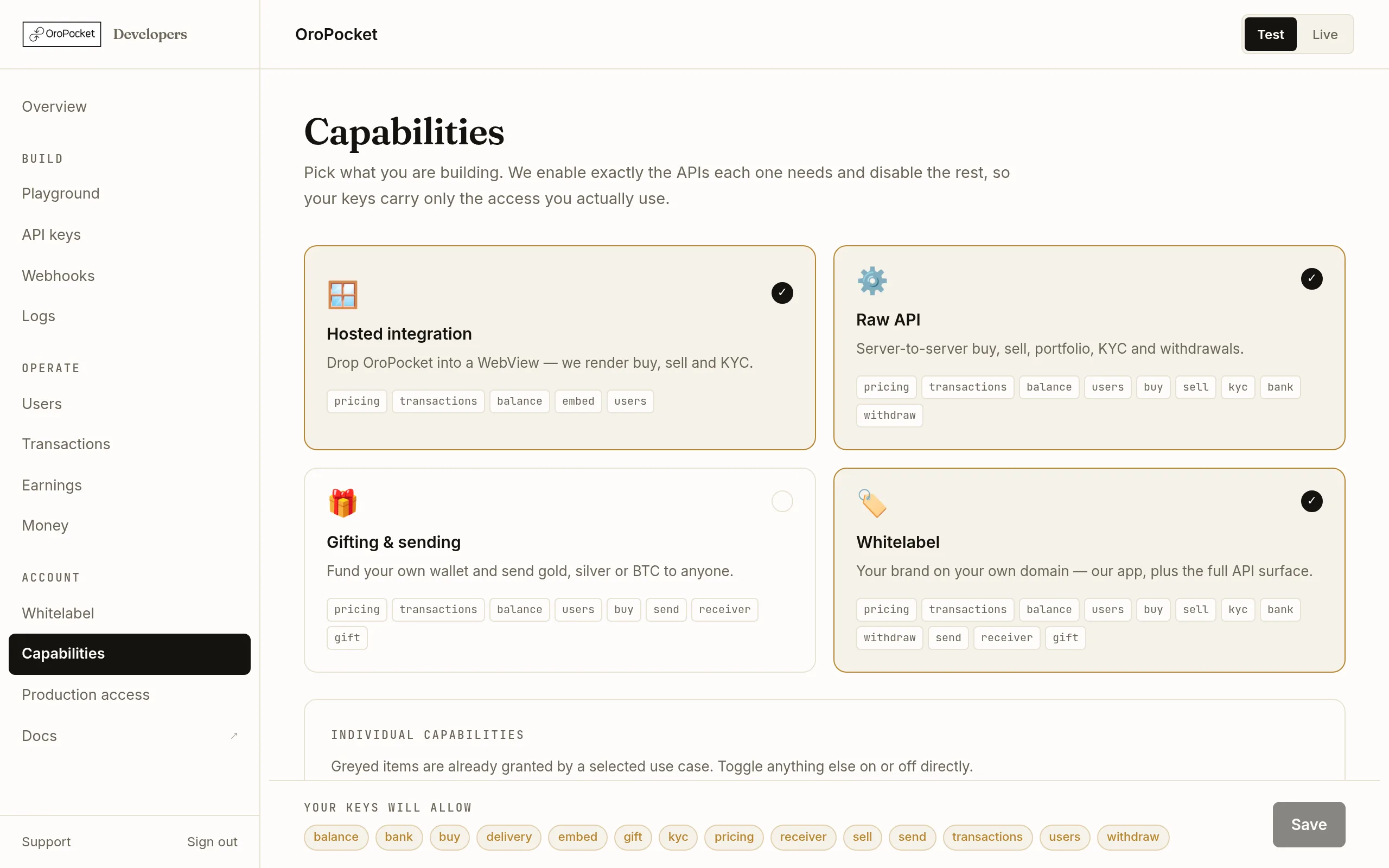
Pick the paths you are building
Each card lists the capabilities it grants. You can select more than one — a partner running a hosted checkout and a server-to-server integration ticks both, and gets the union.
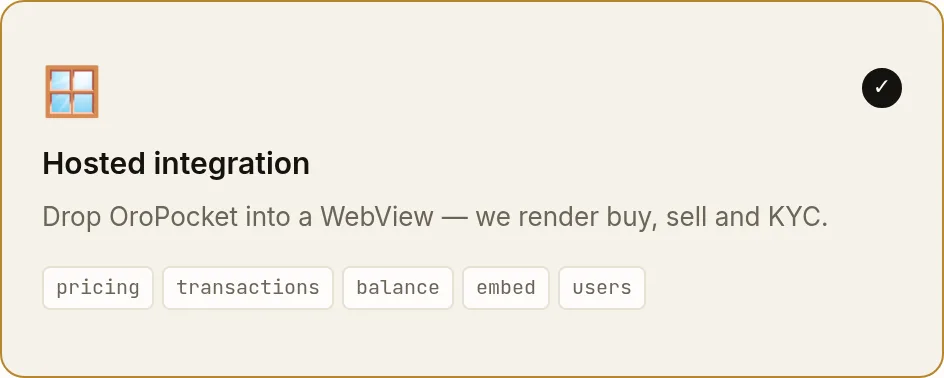
Selecting Whitelabel here is what makes the Whitelabel page appear in the sidebar. Adjust individual capabilities if you need to
Below the cards, Individual capabilities lets you toggle anything directly. Items already granted by a selected path are greyed out — untick the path to release them. Two capabilities are marked sensitive because of what they move:
withdrawtakes money out to a bank account, anddeliveryships physical metal.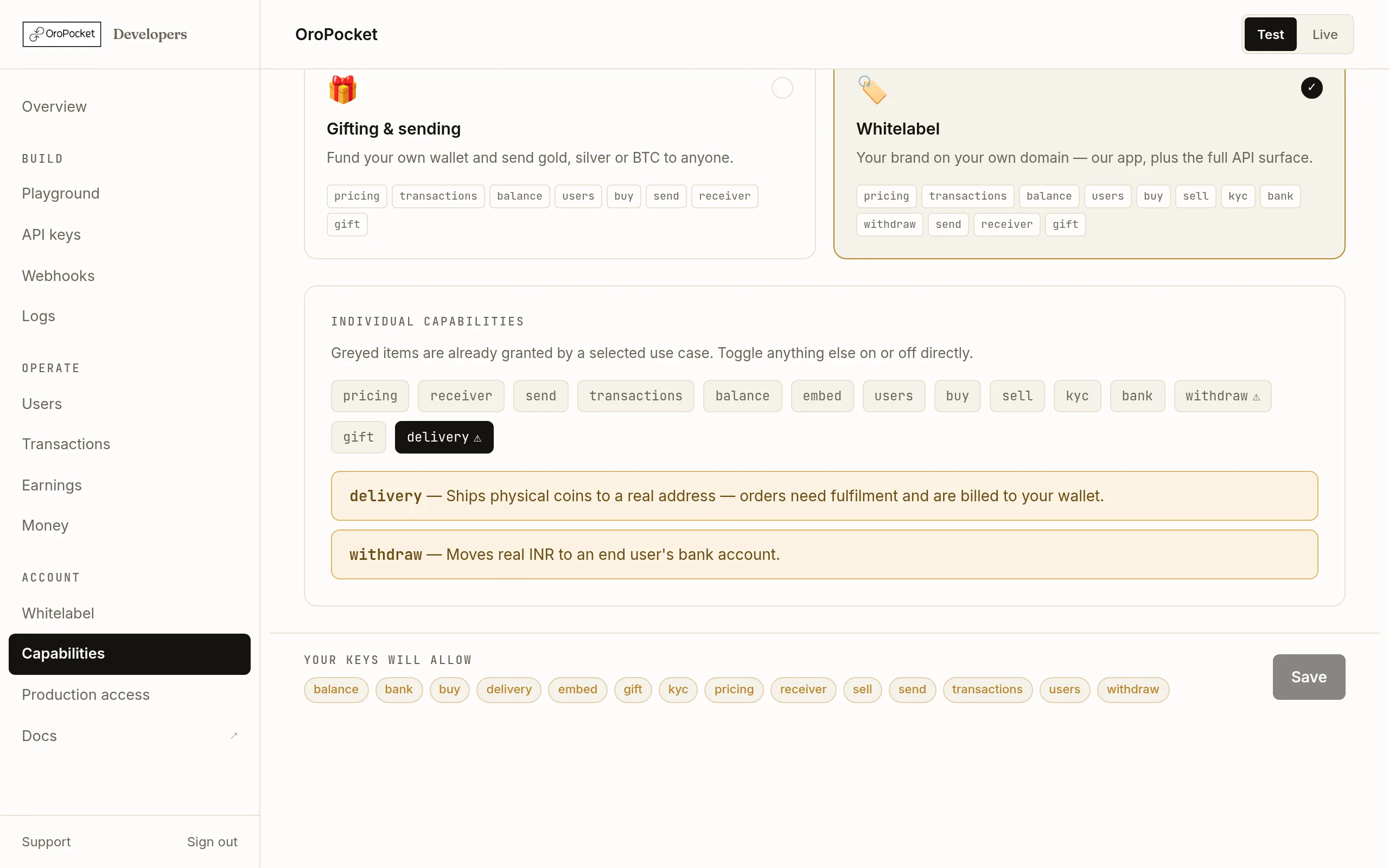
Greyed chips are implied by a path you have selected. Read the footer before you save
A bar pins itself to the bottom of the page showing exactly what your keys will allow after saving, and — in red — anything you are about to turn off. Removing a capability takes effect immediately, so anything live that depends on it starts returning
403as soon as you confirm.
What each path grants
Every path includes pricing, transactions and balance. On top of that:
| Path | Adds |
|---|---|
| Hosted integration | embed, users — enough to issue a user code and hand the session to our hosted checkout. |
| Raw API | users, buy, sell, kyc, bank, withdraw — you build the interface, so you need the whole lifecycle. |
| Gifting & sending | users, buy, send, receiver, gift. |
| Whitelabel | Everything in Raw API plus send, receiver and gift. Notably not embed — a white-label site is not an embed, it is our app on your domain. |
Test and Live are not the same list
Changes here apply to your sandbox keys freely. On the live side an administrator can impose a narrower list, and when they have, your live keys get the intersection of the two. That can only ever narrow what a live key does — so a capability you enable here may still be refused in Live. If that happens and you need it, get in touch.