
Submit your white-label domain for review
Submitting hands your domain and brand to us to check and provision. There are three things you need in place first, and one distinction — approved is not live — that decides when money starts flowing to you.
Before you can submit
Three conditions, all checked at submission:
| Requirement | Why |
|---|---|
| A domain is set | Nothing to provision otherwise. See Connect your domain. |
| A logo or a wordmark | One or the other — not both. Without either, the sign-in screen has nothing to identify you with. See Add your brand. |
| A passing DNS check | We cannot obtain a TLS certificate for a name that is not pointing at us, so the check has to be green before submission, not after. |
Save your draft
Save draft is at the bottom of the page and is only enabled when you have unsaved changes. Submit is disabled while anything is unsaved — the hint reads “Save your changes first.”
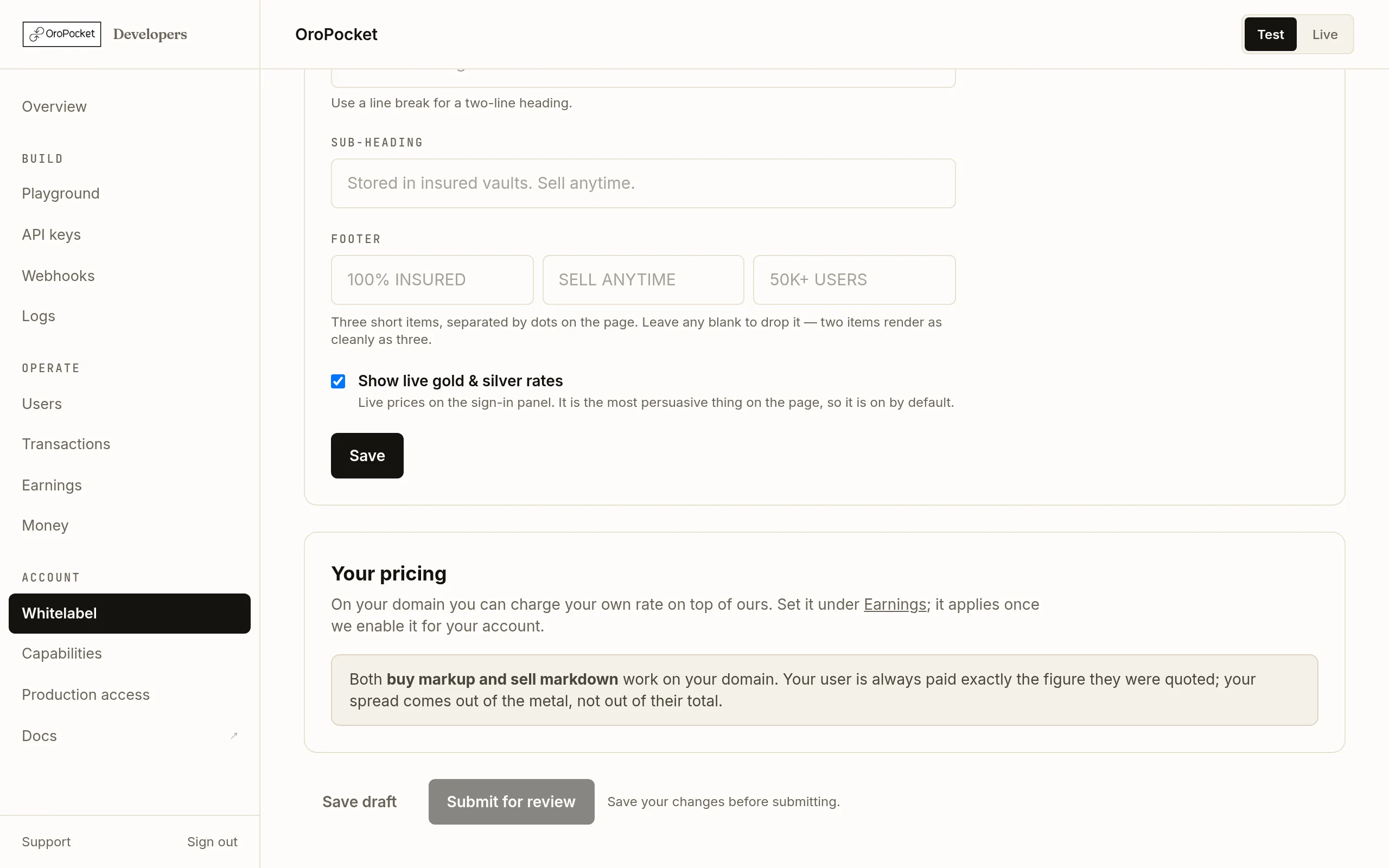
Save first, then submit. Submit stays disabled while there are unsaved changes or no domain. Check the pricing card
The last card explains what you can charge on your own domain. Both a buy markup and a sell markdown apply here, and your user is always paid exactly the figure they were quoted — your spread comes out of the metal, not out of their total.
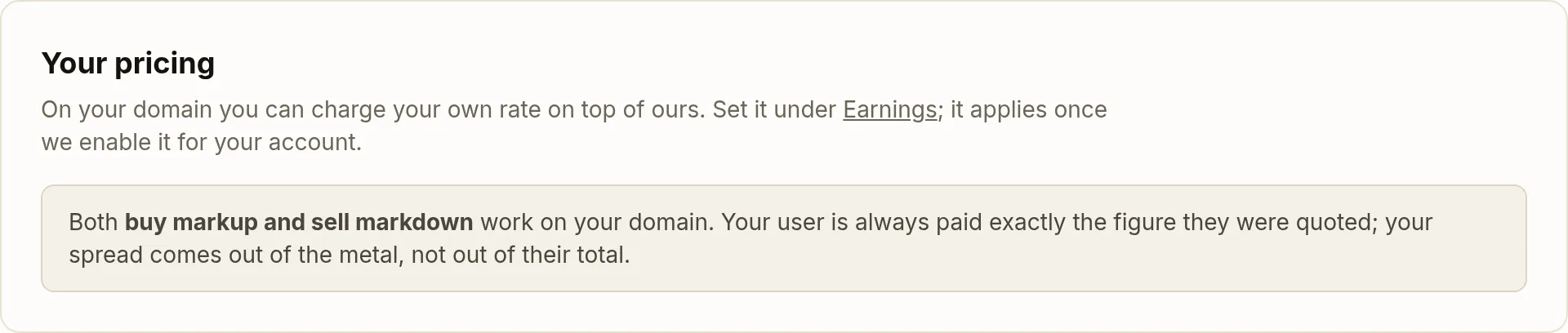
The markup itself is set under Earnings, not here. Setting the number is a separate step — Set your merchant markup.
Submit
The status moves to In review and the domain field locks. Your brand and sign-in copy stay editable throughout.
The status badge, end to end
| Status | What it means |
|---|---|
| Not started | No request yet. Add a domain and brand, then submit. |
| Draft | Saved but not submitted. Point your DNS, then submit. |
| In review | With us. You will hear back shortly. |
| Approved | We have said yes and are provisioning the domain and certificate — usually the same day. Not serving yet. |
| Live | The host is actually serving. To change the domain from here, contact support. |
| Changes needed | Declined with a note, shown in red on the page. Fix what it says and submit again — everything else you entered is kept. |
Once you are live
The page shows a link to open your domain. From then on your users sign in at your address, and trades made there earn you commission the same way an API trade does.
GET /partner/transactions/all — /partner/trades only ever contains server-to-server quote rows and will be empty. Users appear once they transact.Your account still needs production access
A white-label domain cannot go live on an account that is not itself live. The two approvals are separate and run in parallel, but both have to land. If yours is not approved yet, the bottom of the page says so.