
Set up and test-fire a webhook
Webhooks tell you when a buy or sell settles, so you never poll for it. Setting one up is one field and a button; the part worth reading carefully is how to verify the signature.
Open Webhooks in the Build section.
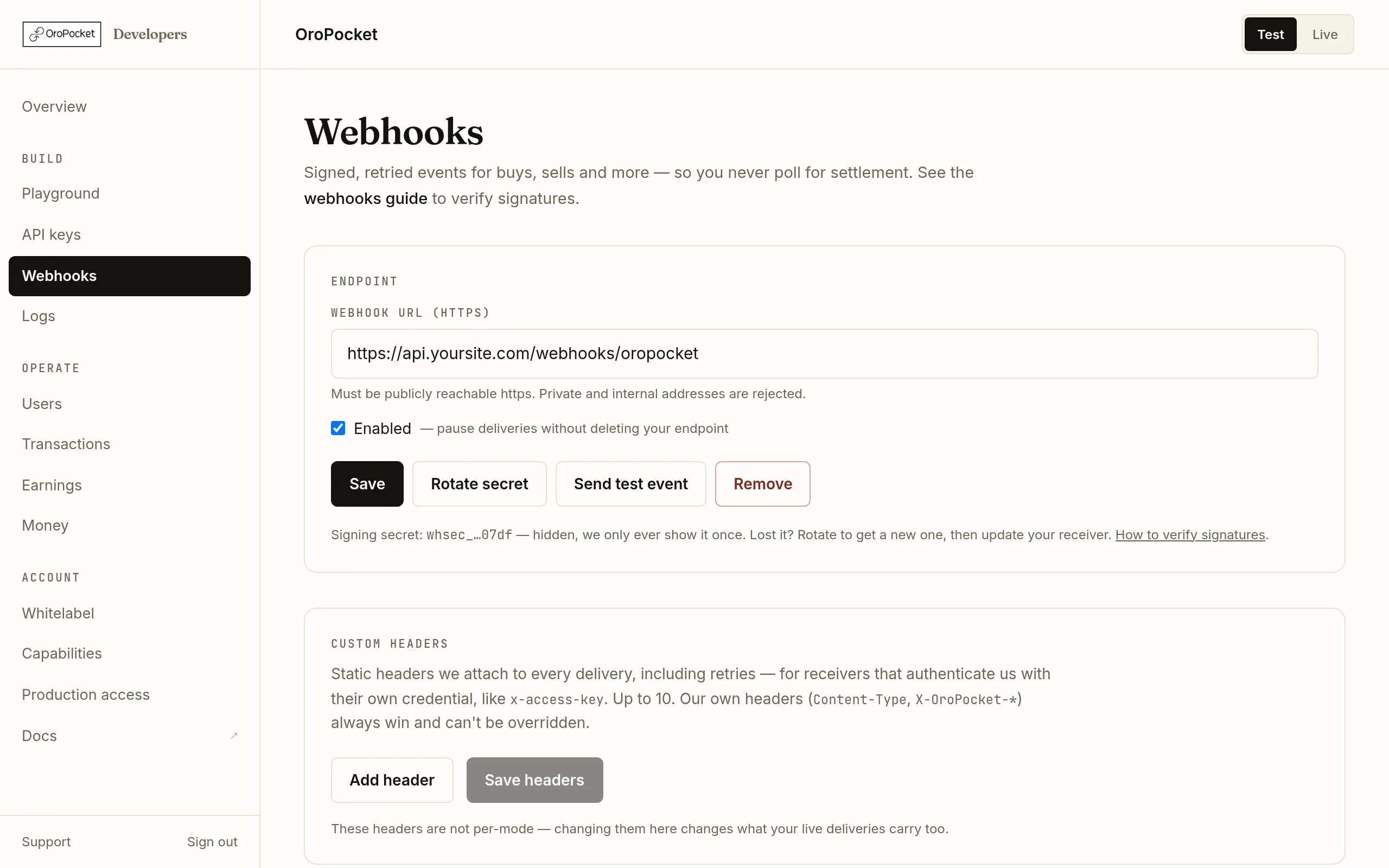
Add your endpoint
Paste an https URL that is reachable from the public internet. Private and internal addresses are rejected — not just localhost and RFC 1918 ranges, but anything that resolves to one, checked at connection time rather than only when you save.
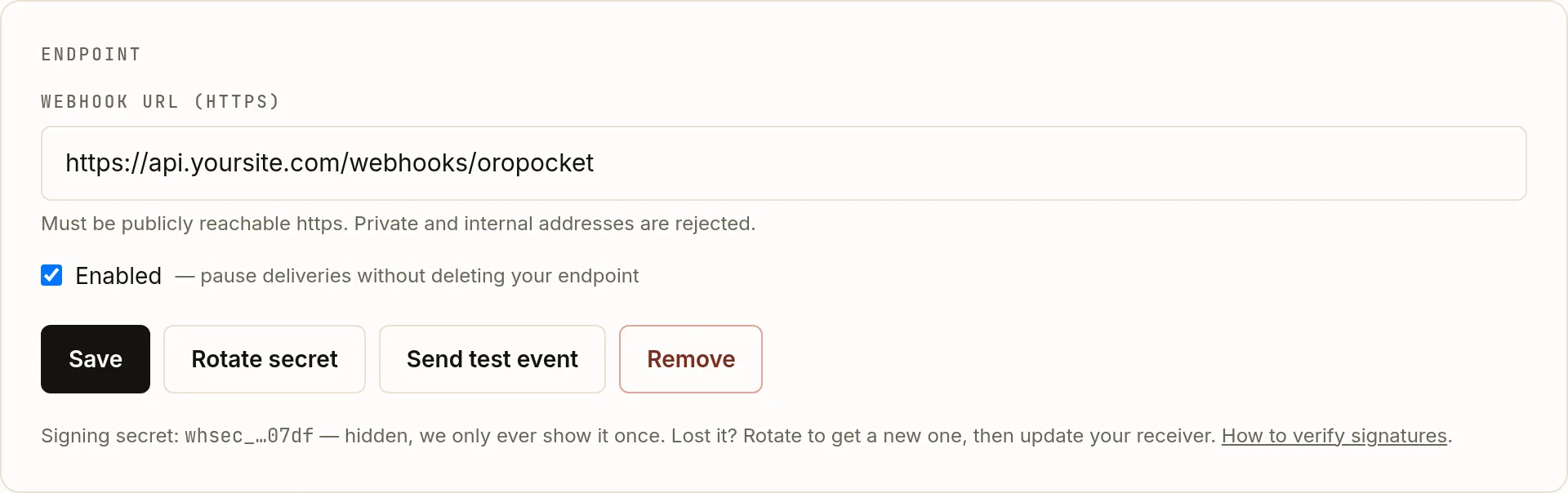
Enabled is a pause switch — it stops deliveries without discarding your URL or secret. Copy the signing secret
Saving mints a
whsec_…secret and shows it once. As with API keys, we store a hash — if you lose it, rotate to get a new one and update your receiver. A URL can never exist without a secret, so no delivery ever goes out unsigned.Send a test event
Send test event fires a
test.pingimmediately, which is the cheapest way to prove your endpoint is reachable, returns 2xx, and validates the signature correctly — before a real trade depends on it.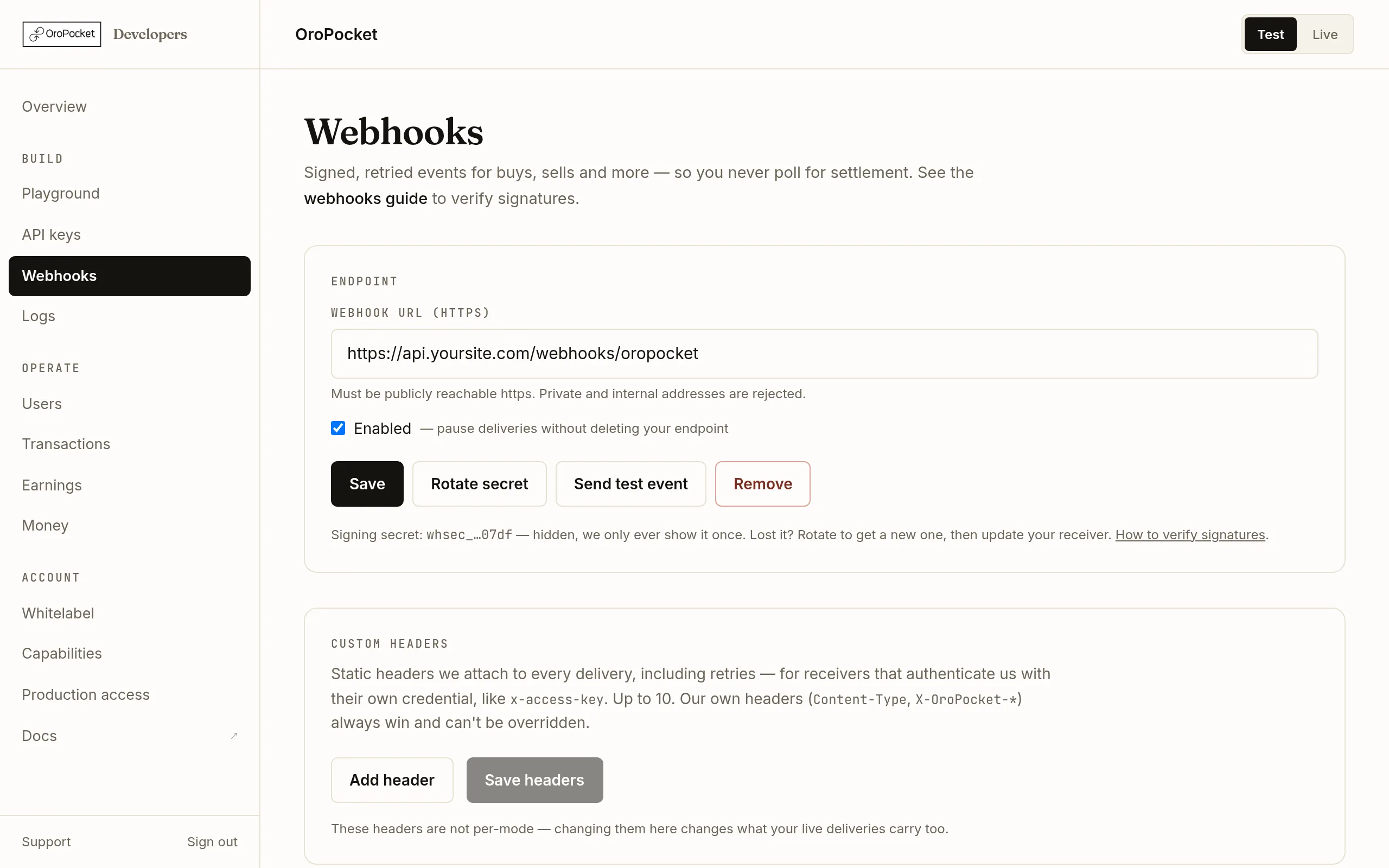
Delivered, pending and failed, with the attempt count and the response we got. Verify the signature
This is the step integrations get wrong. We sign the timestamp and the raw body joined by a dot — not the body alone:
const expected = "sha256=" + crypto
  .createHmac("sha256", process.env.ORO_WEBHOOK_SECRET)
  .update(`${req.headers["x-oropocket-timestamp"]}.${rawBody}`)
  .digest("hex");

// Compare in constant time, and reject old timestamps.
if (!crypto.timingSafeEqual(Buffer.from(expected), Buffer.from(req.headers["x-oropocket-signature"]))) {
  return res.status(400).end();
}
Use the exact bytes you received. Parsing the JSON and re-serialising it changes whitespace and key order, and the signature will never match.
What gets delivered
| Event | Fires when |
|---|---|
| buy.completed | A buy is fulfilled and the metal is credited. |
| sell.completed | A sell settles to the user's INR wallet. |
| sip.created | A recurring plan is created. |
| sip.installment | An installment of a recurring plan executes. |
| test.ping | You pressed Send test event. |
Users are identified only by user_code. Dedupe on event_id, which stays the same across retries of the same event.
Retries, and replaying by hand
We wait 10 seconds for a response. Any 2xx acknowledges; anything else is retried up to five times, backing off at 0.5, 2, 10, 60 and 360 minutes. The queue is durable, so retries survive a restart on our side.
When a delivery has exhausted its attempts, Show error on the row displays the last response we got, and Replay sends it again once you have fixed the receiver.
mode field in the payload.Custom headers
If your receiver authenticates with a static header, the page has a Custom headers card for up to ten name/value pairs. Anything beginning x-oropocket- is rejected, so nothing can shadow the signature headers.