
Test a hosted embed in the Playground
The Playground has an Embed tab that issues a real user_code and loads the actual hosted checkout in a phone frame inside the dashboard. You can drive the entire buy flow before you write a line of app code.
The hosted embed is the lowest-code path: you issue a code for a user, load a URL in a WebView, and OroPocket renders buying, selling and KYC. This page is about proving that works before you build the WebView.
embed capability. If you cannot see it, tick Hosted integration on the Capabilities page and save.Open the Playground and switch to the Embed tab
Playground is in the Build section. The tabs across the top are filtered to what your keys can call; pick Embed (hosted).
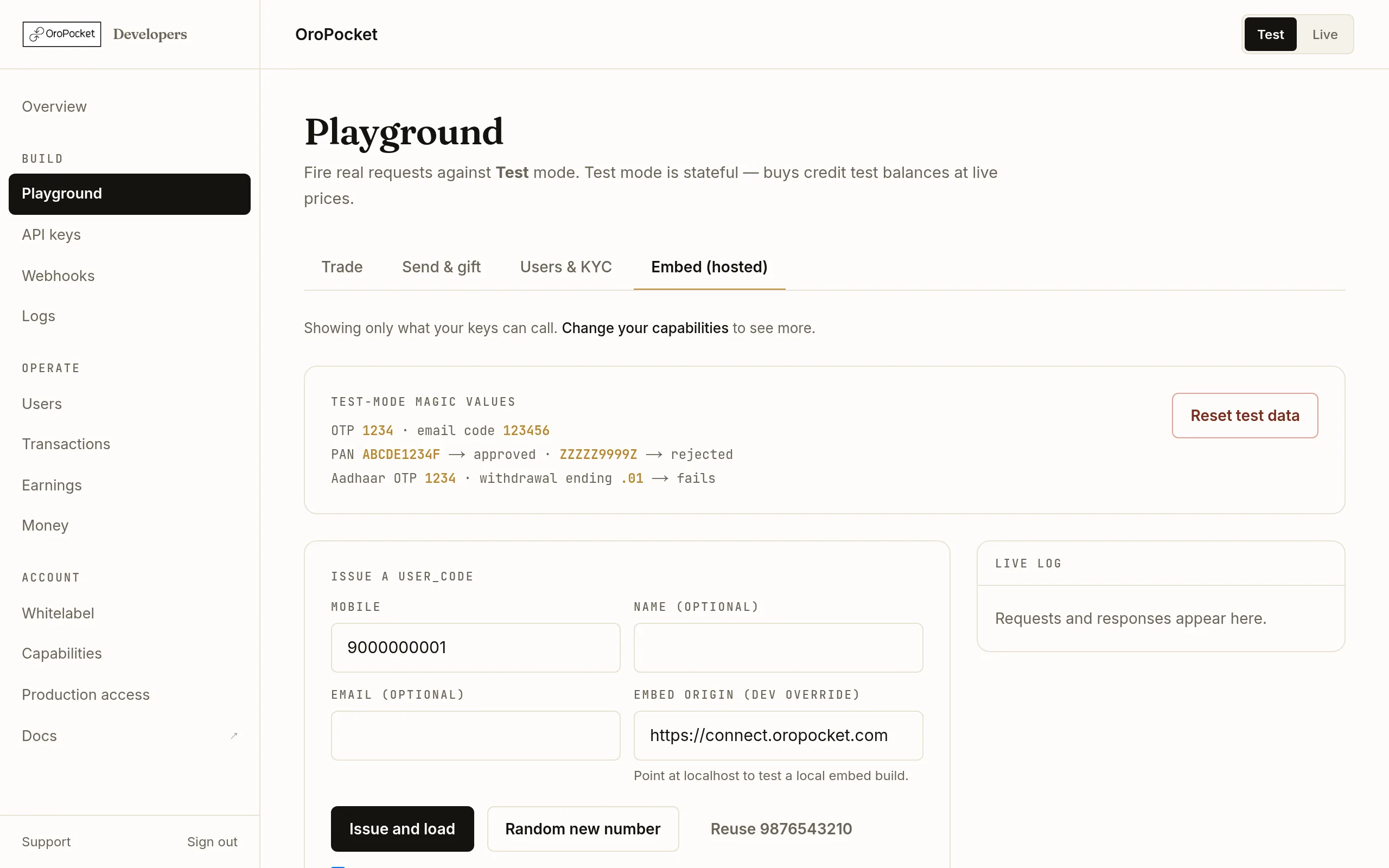
Tester on the left, live request log on the right, phone preview below. Issue a user_code
Enter a mobile number — or press Random new number for a fresh one — and press Issue and load. That calls the same endpoint your server would:
POST/partner/users/initembed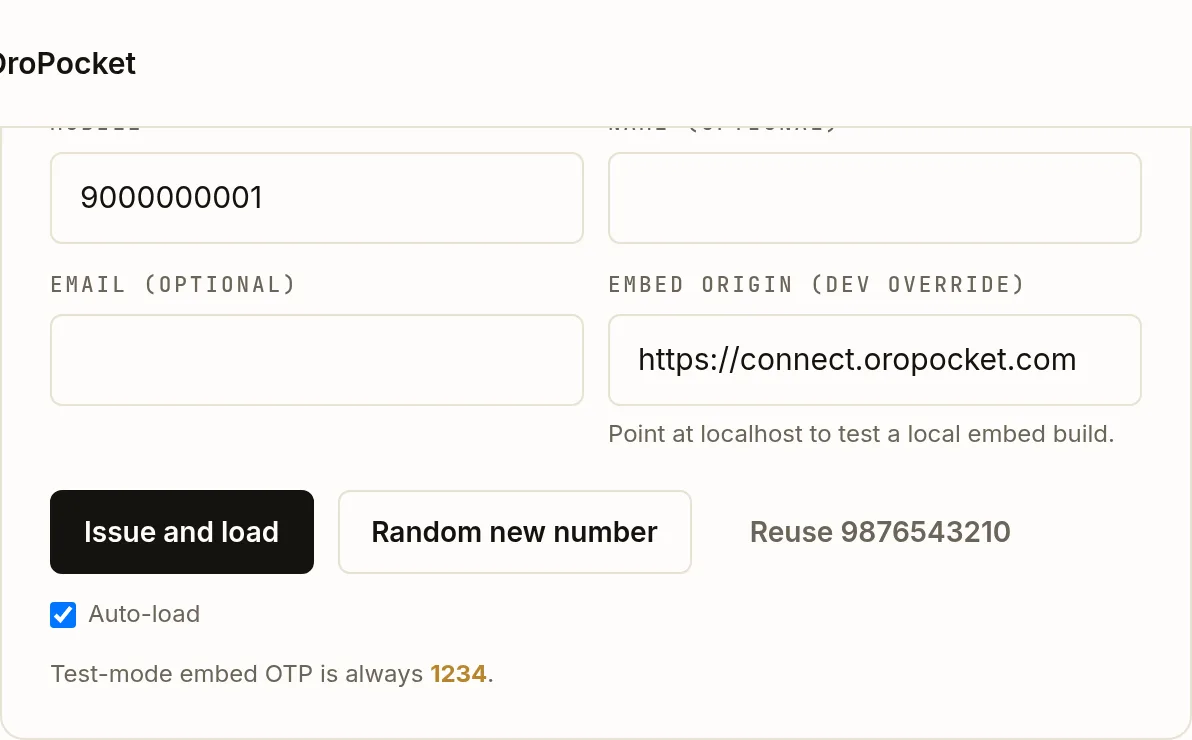
Reuse 9876543210 exercises the returning-user path; a random number exercises first-time onboarding. The response contains two different codes and confusing them is the most common embed bug.data.user_codeis the stable identity you store and that every webhook echoes back. The code insideembed_urlis a separate single-use handoff token that expires in ten minutes. Never build the URL yourself from the stable code.Drive the flow in the phone preview
The preview loads the real hosted checkout at
connect.oropocket.comin a 390-pixel frame. It is not a mock — it is the same page your users will see.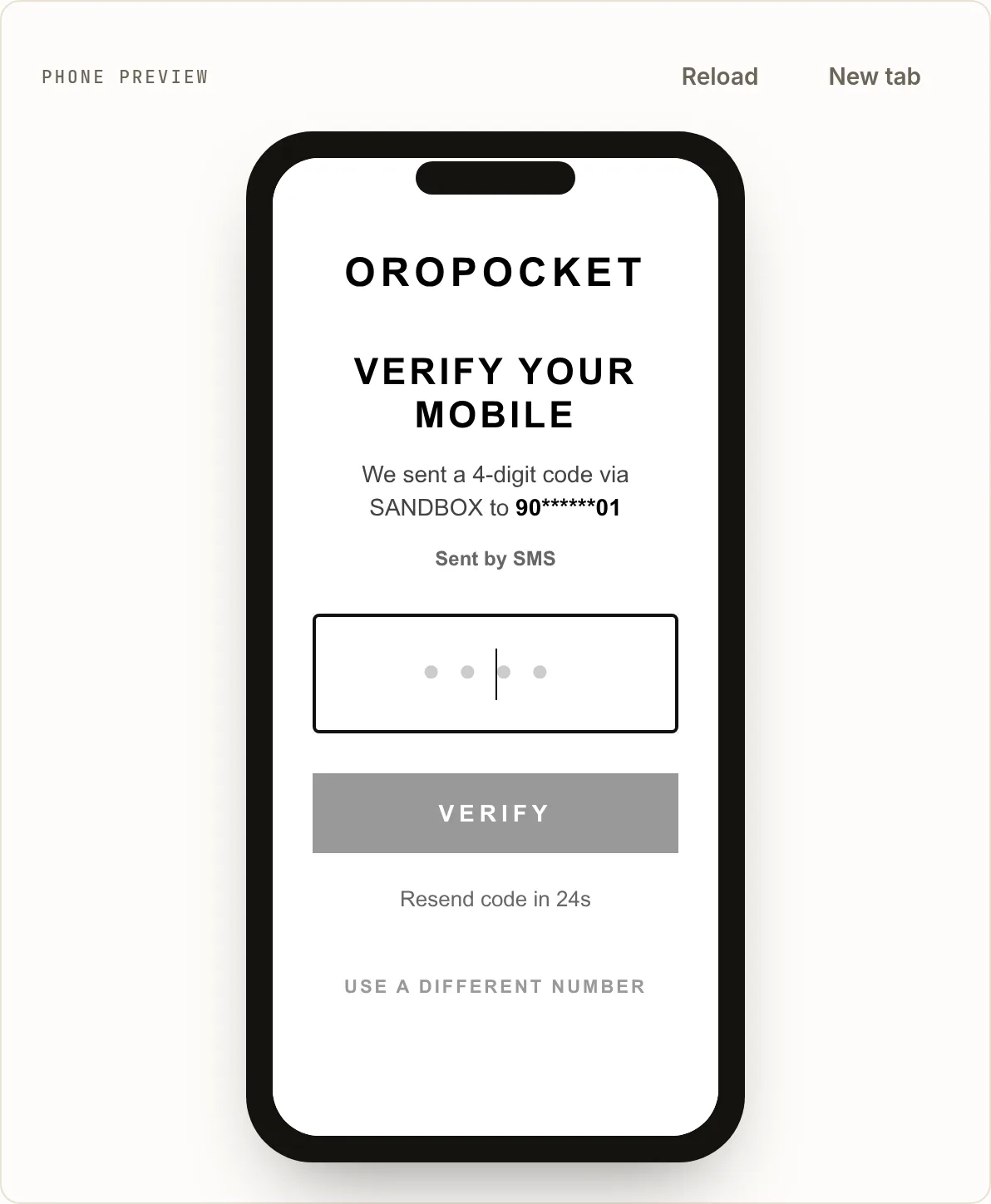
In Test mode the channel reads SANDBOX and the OTP is always 1234 — no SMS is sent and none is billed. Enter
1234and you are through to the buy screen. From there the flow is the user’s: pick an asset, enter an amount, pay.Read the request log
Every call the tester makes appears in the Live log on the right, request and response, newest first. Each entry has a copy curl link that produces the exact command with your key in it — which is usually the fastest way to move from clicking to code.
Testing against a local build
The Embed origin (dev override) field swaps the host in the returned URL while keeping the ?u= query intact, so you can point the preview at a local build of the embed and still get a genuine server-issued code. It is remembered between visits.
What Test mode will not let you do
| Behaviour | In Test mode |
|---|---|
| OTP | Always 1234. No SMS is sent, so nothing is billed. |
| Transactions inside the embed | Blocked outright with 403 SANDBOX_MODE_NO_TRANSACTIONS. Sandbox embed sessions can sign in and browse, but cannot buy — test buys go through the API tabs instead. |
| Attribution | Sandbox users are deliberately left unattributed, so test traffic never affects real commission. |
| Prices | Real and live. Only settlement is simulated. |